

This website uses cookie or similar technologies, to enhance your browsing experience and provide personalised recommendations. By continuing to use our website, you agree to our privacy policy. You can adjust cookie preferences in Cookie Settings.

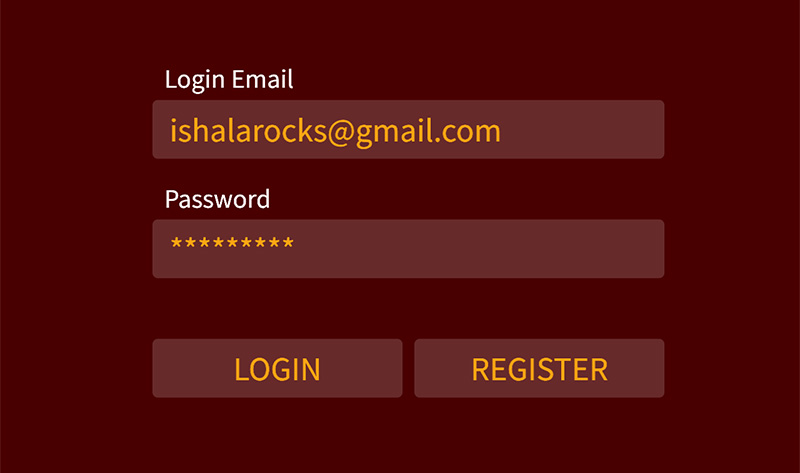
The login pane appears as soon as you select an option requiring interaction with the cloud (pull items, backup, restore) and iShala detects you are not yet connected. You are then prompted to enter the credentials of your account at swarclassical.com.
If you had purchased any item there in the past, you can simply use the same credentials. If not, then you can easily register free, by entering your email address and clicking on the REGISTER button. Then go back to the Login pane and enter the same credentials.
Once you are logged in, iShala remembers the connection for several months, so you don't need to login every time.